
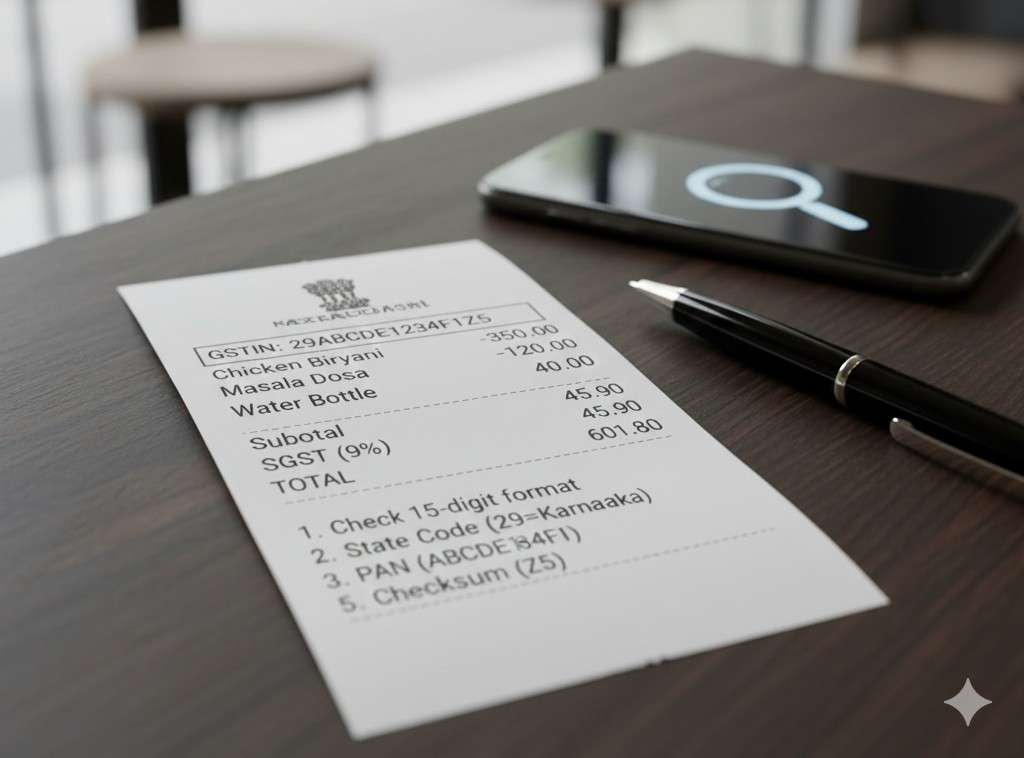
Key highlights
- The fastest check is the GST portal’s “Search Taxpayer” feature—GSTIN/UIN should resolve to a real legal name and registration status. GST Tutorials
- A valid GSTIN doesn’t automatically mean the bill is “fair”—but it confirms the business is registered.
- Always keep a photo of the bill if something looks off.
Scenario: You’re at a premium restaurant and the bill looks suspicious
You see “GST @ 18%” and a GSTIN printed, but:
- the business name looks generic,
- the GSTIN font/format looks odd,
- or the GST breakup is unclear.
Step-by-step: verify GSTIN in under a minute
1) Find the GSTIN on the bill
It’s a 15-character alphanumeric (state code + PAN-like core + suffix).
2) Use the official GST portal search
On the GST portal, use Search Taxpayer → Search by GSTIN/UIN (or equivalent flow). The GST tutorial pages document the official search process. GST Tutorials
3) Match what matters
- Legal name / trade name
- Registration status (active/cancelled)
- State (should match where you are billed)
Red flags people should know
- GSTIN doesn’t resolve on portal (or shows cancelled).
- Bill shows GST but restaurant claims “we’re not registered” (contradiction).
- Restaurant refuses to share GSTIN when charging GST (very suspicious).
Small question people search: “If GSTIN is valid, can I still complain?”
Yes. Verification only confirms registration—not whether pricing/service charge practices are correct.
Leave a Reply